Kevin Caron
EN FR
All products

Pokémon TCG prices for Canada

Cardstead

Web app LiveAndroid app Closed testing

Price checks in Canadian dollars and drop alerts for Pokémon TCG collectors in Canada.

Cardstead shows what cards and sealed products are worth in CA$, with where the price comes from, how recent it is and how sure it is. It also tracks drops and restocks at Canadian shops, your watchlist and your set checklists. No account needed, no ads.
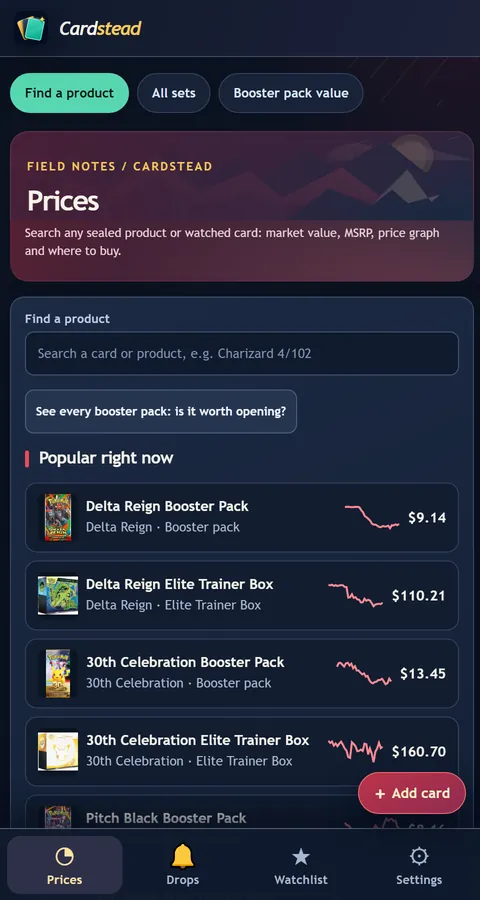
Cardstead Prices tab with popular products and their CA$ prices
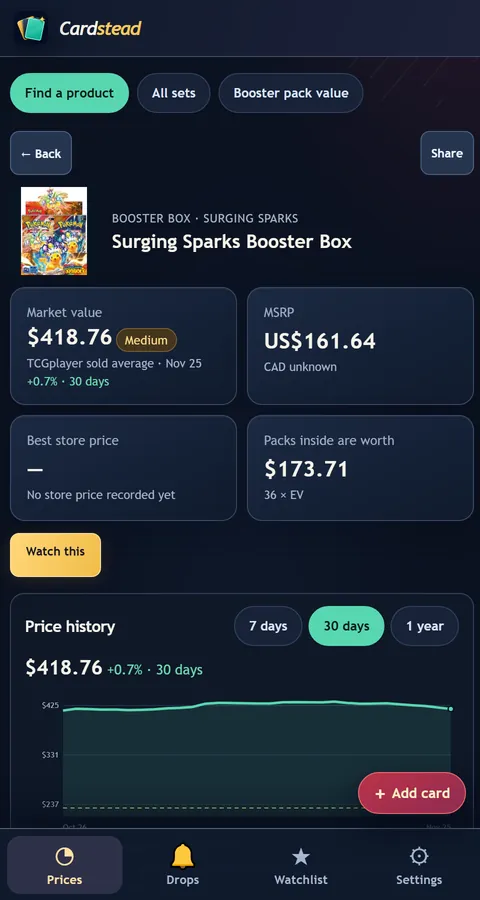
Cardstead product page: market value, MSRP and price history

Screenshots

What it does

Check a price

Every card of every set and sealed products, by name or number, French names included. Sold prices from TCGplayer and Cardmarket, converted at the Bank of Canada rate.

Price history

7 days, 30 days or a year, with the source, date and a confidence level on every price.

eBay.ca asking prices

The typical price of listings that ship to Canada, with a link to the cheapest. Asking prices, clearly labelled, never called sales.

Watchlist

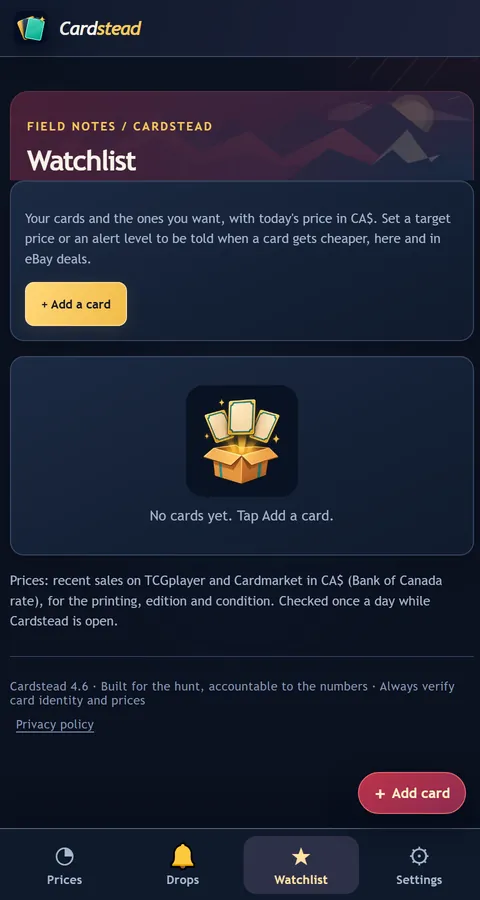
Pick the printing, condition or grade, then a target price or an “under value” level.

Set checklists

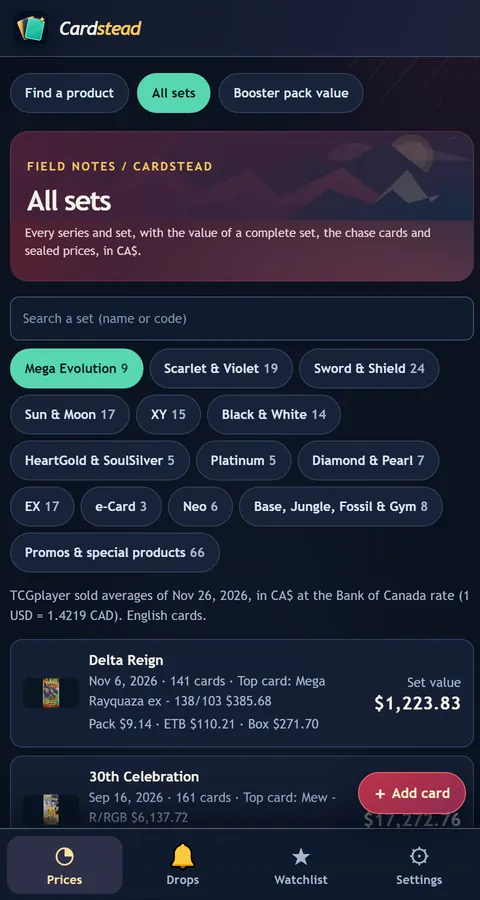
Value owned, value missing, cost to complete, Master set mode, and whether a booster pack is worth opening.

Drops in Canada

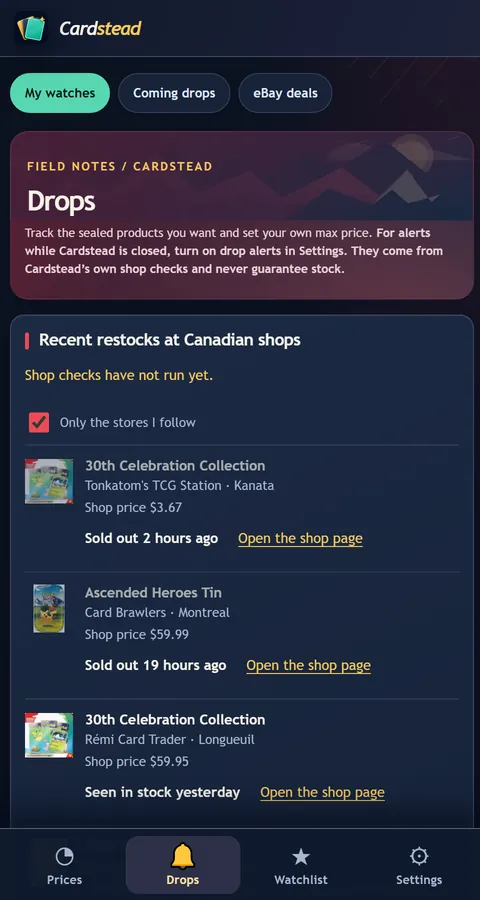
Coming drops, recent restocks at Canadian shops and optional drop and price alerts.

How to install

On the web (any phone or computer)

Live
  1. Open Cardstead. It works in any recent browser, in English or French.
  2. To keep it on your phone, use your browser’s Add to Home screen (or Install app).

Android app (closed testing)

Closed testing
  1. Join the Google Group [email protected] with the Google account you use on your phone.
  2. Open the testing page and tap Become a tester.
  3. Install the app from Google Play. Updates arrive through Play like any other app.

How to use it

Check a price

  1. On Prices, type a card or product in Find a product, for example “Charizard 4/102”.
  2. Open a result to see the CA$ value, where it comes from, its date and its confidence.
  3. Switch the history between 7 days, 30 days and 1 year.

Fill a set checklist

  1. Tap All sets and pick a set.
  2. Tap the cards you own to tick them. The value owned and the cost to complete update as you go.
  3. Turn on Master set mode to count every printing.

Watch a card

  1. On Watchlist, tap Add a card.
  2. Pick the exact card and printing, with a grade and the price you paid if you like.
  3. Set a target price or a “% under value” level. Cardstead checks once a day while it’s open.

Follow drops and get alerts

  1. Open Drops for coming drops and the last 7 days of restocks at Canadian shops.
  2. Watch a product with a maximum price, your province and the stores you want.
  3. For alerts, go to Settings, Sign in with your email (no password), then turn on Drop alerts on this device.

Prices are for information only; they are not appraisals or financial advice. Cardstead is independent and not affiliated with Nintendo, The Pokémon Company, eBay, TCGplayer or Cardmarket.