Kevin Caron
EN FR
All products

WoW Forever guild suite

Guilded

Addon LiveWindows companion LiveDiscord bot LiveAndroid app Closed testing

Everything your WoW Forever guild runs on: raids, loot, dungeons and crafting, in game, in Discord and on your phone.

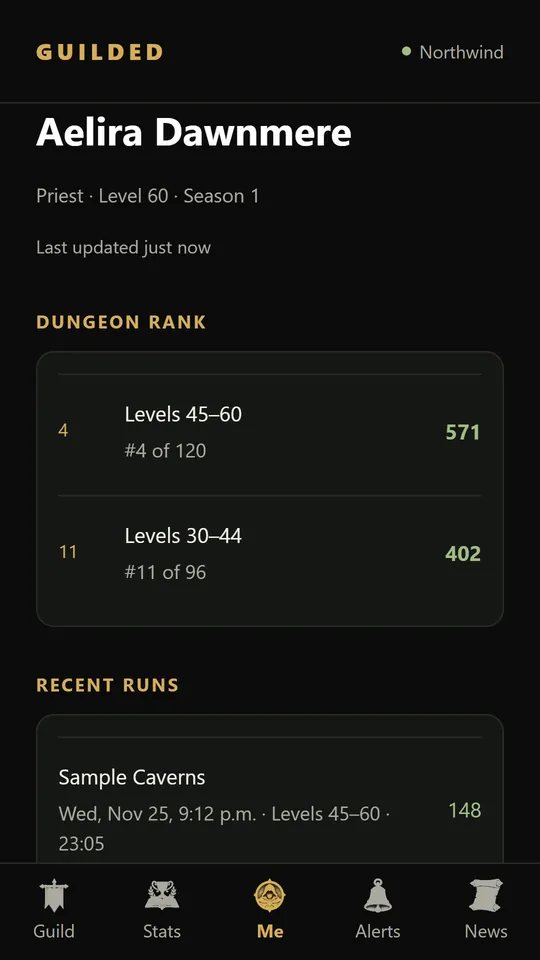
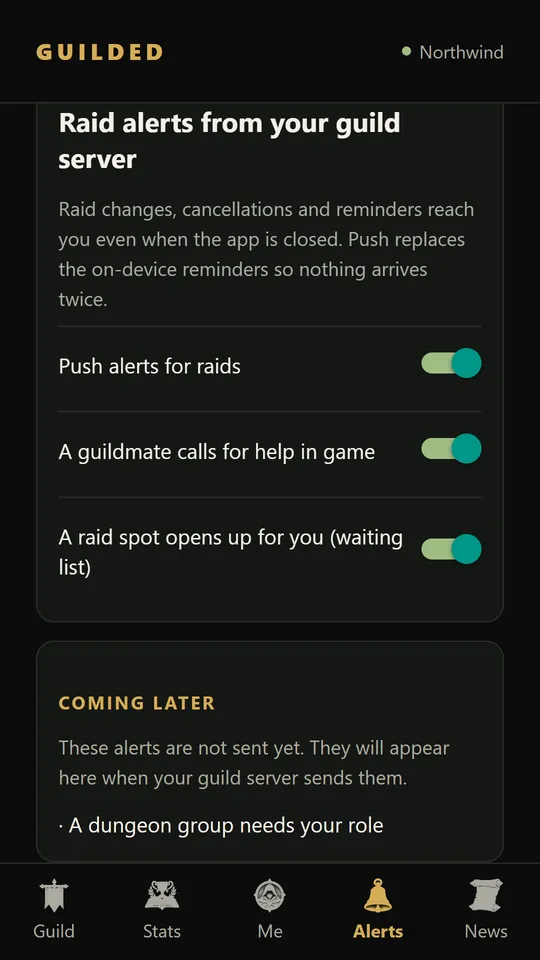
Guilded started as an addon for my own guild. It grew into a suite: the addon records raids, loot and dungeon runs, the Guild Sync Companion sends that to Discord, the bot posts sign-ups and leaderboards, and the phone app keeps the guild in your pocket.

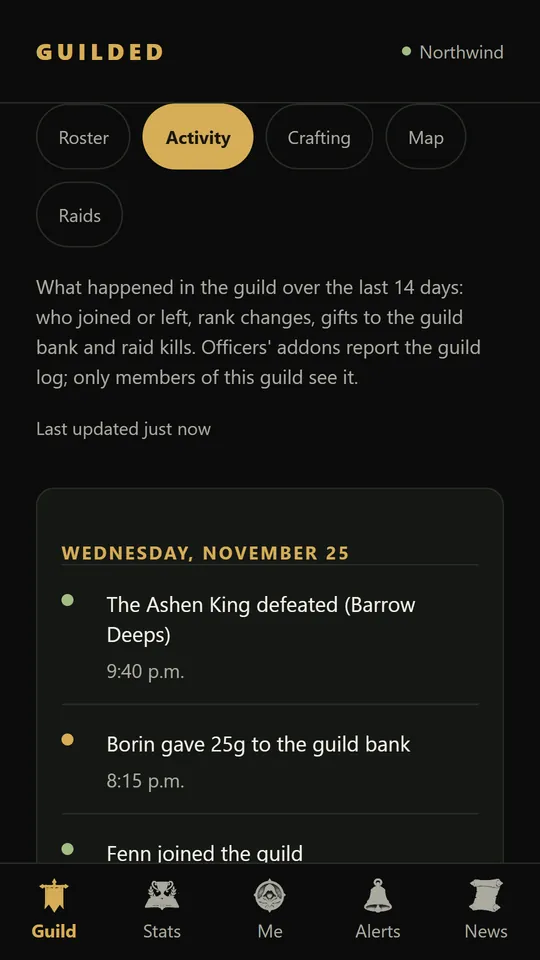
Guilded phone app, Guild tab: recent guild activity
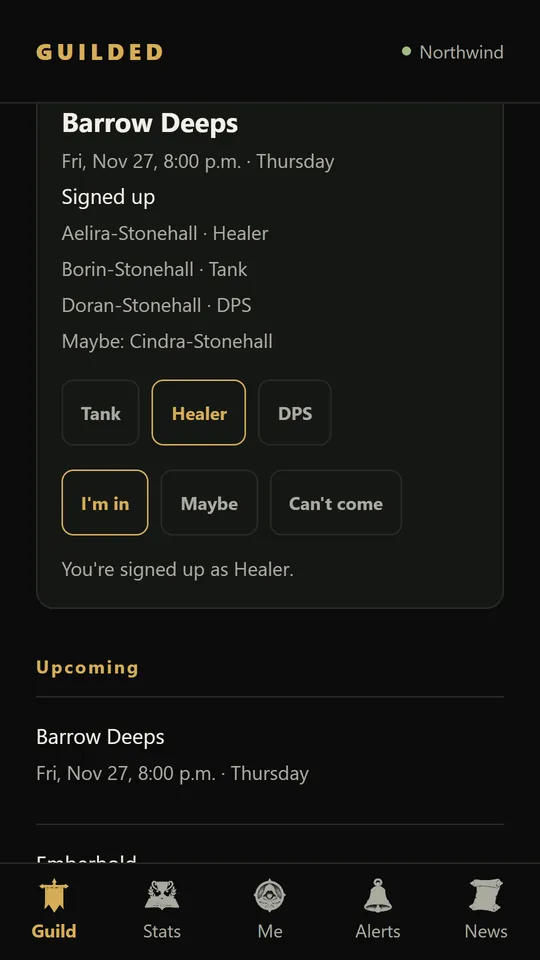
Guilded phone app: raid sign-up with role buttons

Screenshots

What it does

Raid nights

Sign-ups in Discord or on the phone, invites in one command, attendance and boss kills recorded by the addon.

EP/GP and loot

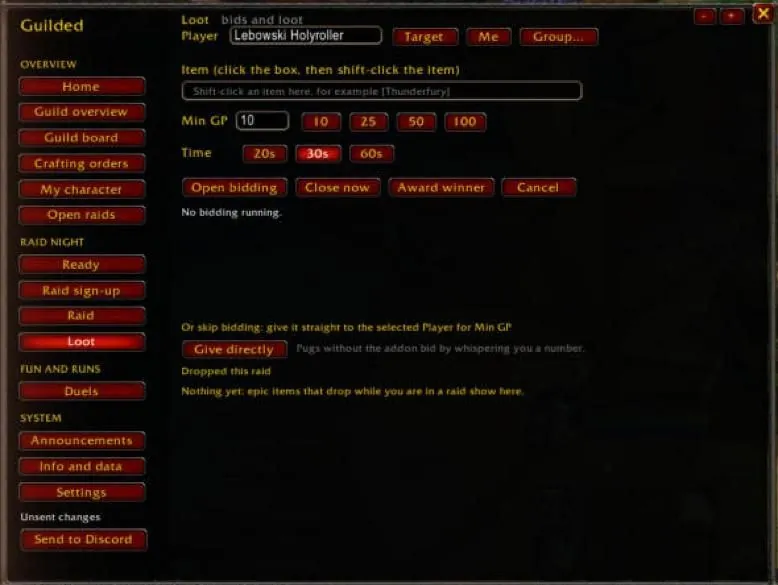
Award EP, run GP bids in game and check standings and loot history in Discord.

Dungeon runs and scores

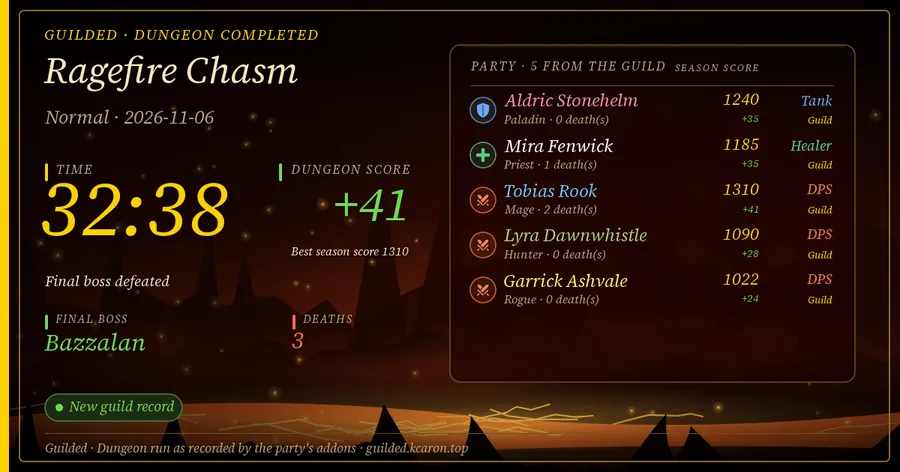
Runs are recorded automatically, scored, posted as cards and ranked on guildedwow.com.

Crafting and the guild map

Find who can craft what, post crafting orders and see guildmates on the world map.

Ready checks and gear

Every ready check also checks gear, enchants and consumables, so the raid lead knows who to nudge.

Discord sync

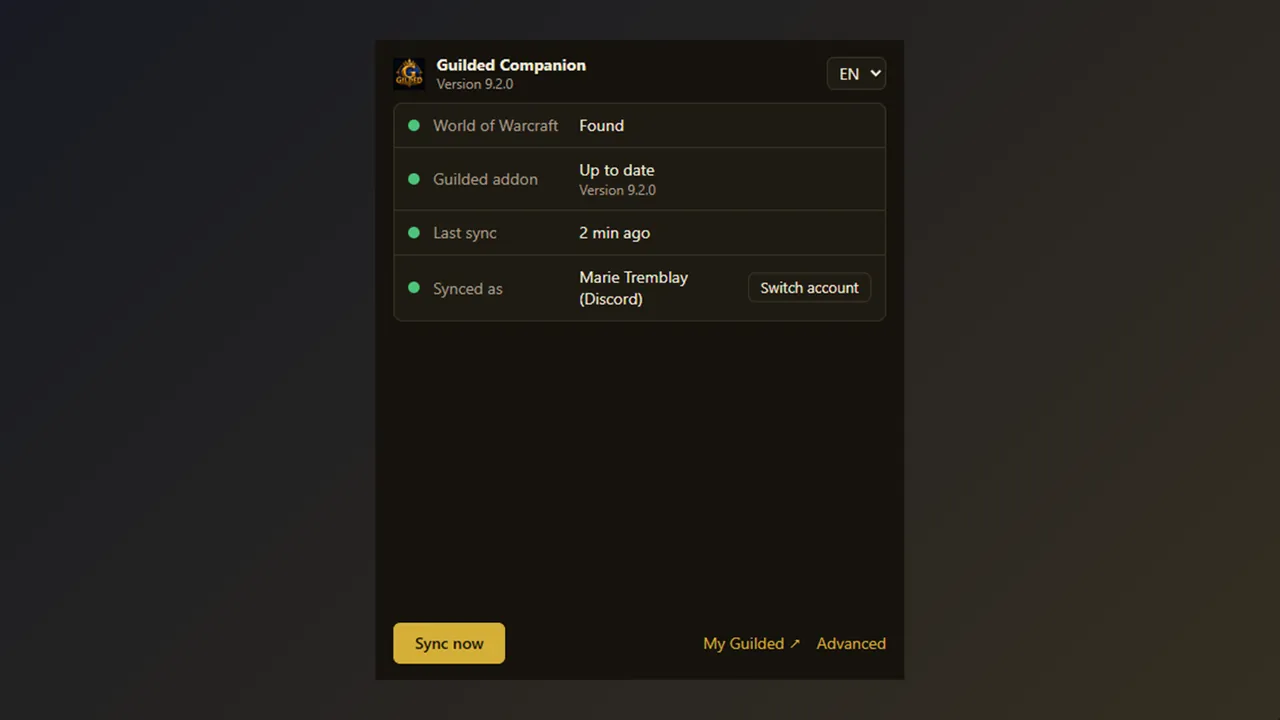
The companion uploads your saved data after each session; the bot turns it into posts, leaderboards and recaps.

How to install

The addon

Live
  1. Install the CurseForge app and open World of Warcraft in it.
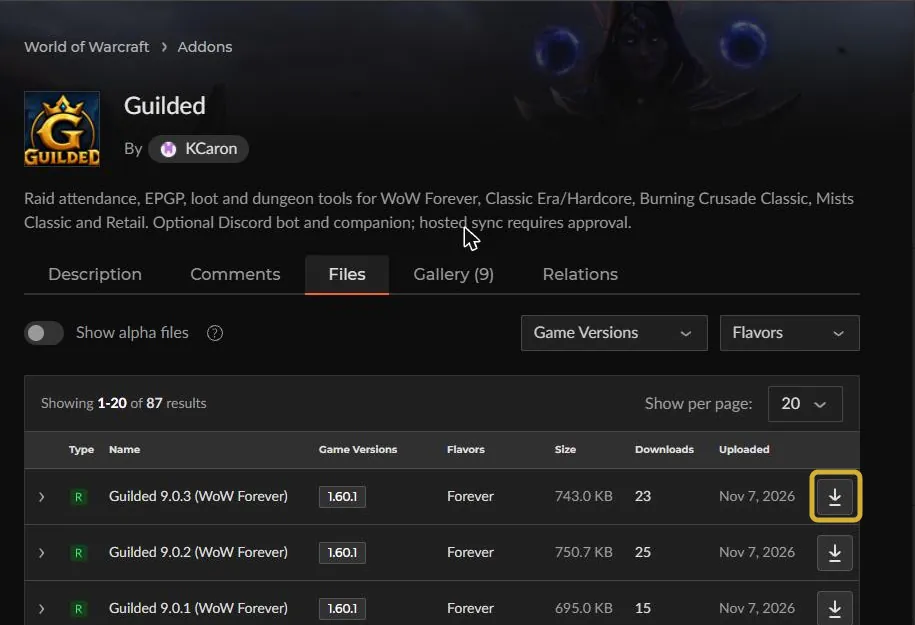
  2. Search for Guilded and click Install. The app keeps it up to date.
  3. Start the game (or type /reload) and check that the addon is ticked in the AddOns list on the character screen.
  4. Type /guilded in game. A setup window opens on first login; reopen it with /guilded setup.
Guilded on CurseForge, Files tab
Guilded on CurseForge

Guild Sync Companion (Windows 10 and 11)

Live
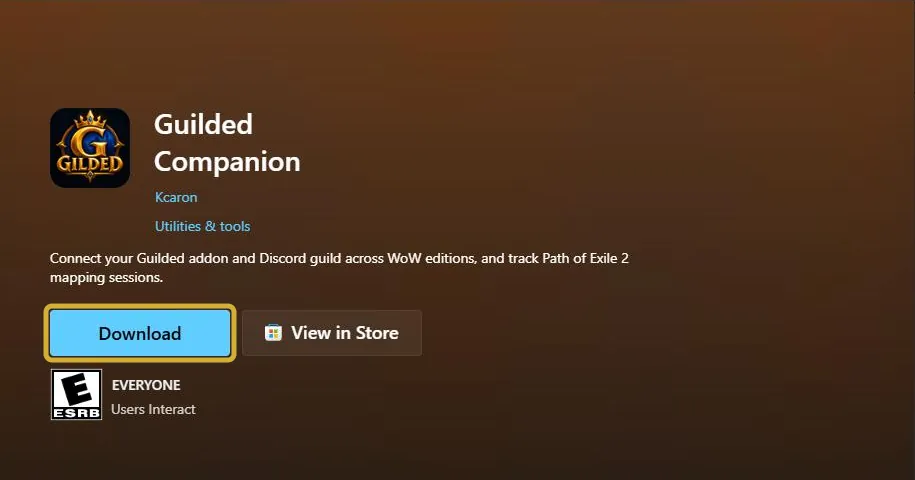
  1. Get Guild Sync Companion from the Microsoft Store and click Get or Download.
  2. Open it once. It finds WoW and your guild’s Discord by itself, and installs or updates the addon if needed.
  3. Type /reload in game. The Last sync line turns green. Sign in with Discord is optional.
Guild Sync Companion on the Microsoft Store
The Microsoft Store listing

The Discord bot (for server admins)

Live
  1. Add Guilded to your server.
  2. Run /setup start for the guided setup. Guilded Lite works right away.
  3. Addon sync and seasons unlock once your server is approved. Ask in the project Discord.

How to use it

Open the addon

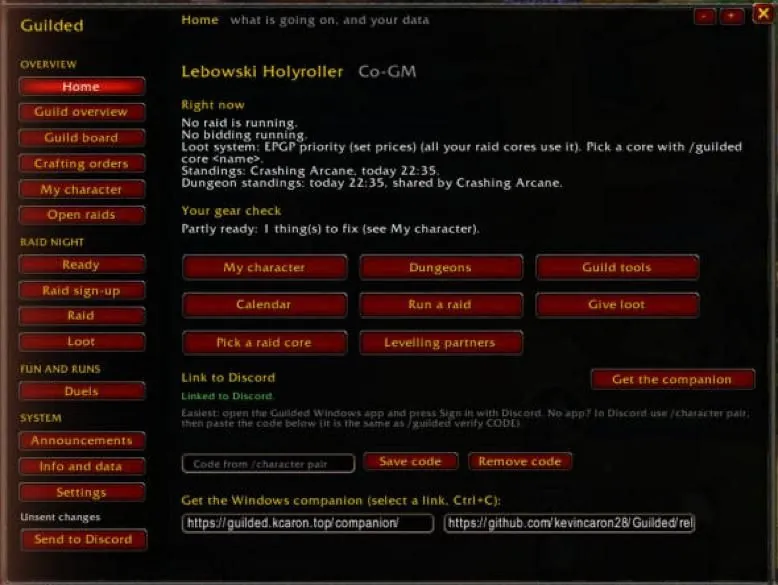
  1. Click the gold coin on the minimap or type /guilded menu.
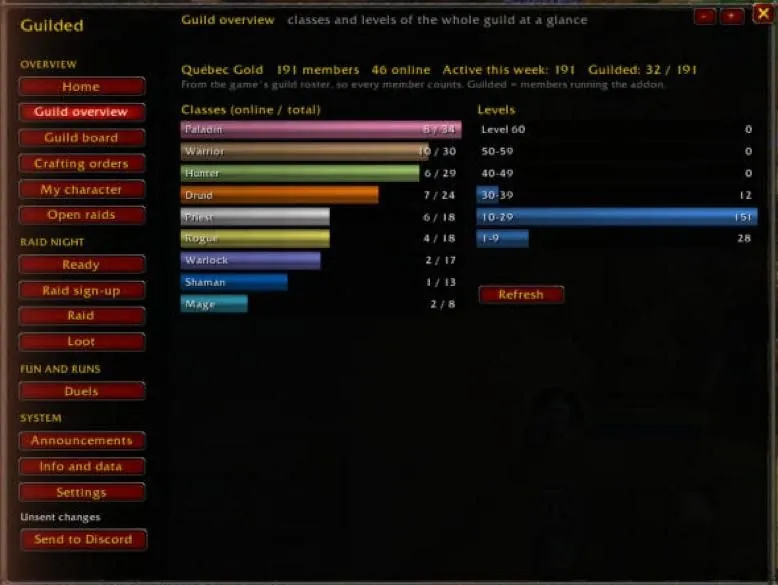
  2. The sidebar has Home, Guild, Dungeons, Crafting, Raids, Officer and Settings.
  3. Send to Discord pushes your latest data right away.

Link your character

  1. In Discord, run /character link.
  2. Send the bot your full character name, or let the companion link it for you.
  3. In game, /guilded share gives you a line to paste if you need it.

Run a raid night

  1. Raid leads post the raid with /lead create. Members sign up on the Discord post or in the phone app.
  2. In game, /guilded invite raid invites everyone signed up, and /guilded start <title> starts the record.
  3. Mark bosses with /guilded boss <name> and finish with /guilded end. The recap is posted in Discord.

EP/GP and loot bids

  1. Award EP to the group with /guilded award group <amount>.
  2. Start a bid with /guilded bid start <min GP> <item>; the Loot page shows bids and the winner.
  3. Members check their standing with /epgp balance and past loot with /loot history in Discord.

Dungeon scores

  1. Just play: runs are recorded automatically when the group has the addon.
  2. Type /guilded score for your score and /guilded dungeon status during a run.
  3. Run cards land in Discord and on the guildedwow.com leaderboards.

Full guides for members and officers live on guildedwow.com. Guilded also comes in two smaller addons: Guilded Dungeons and Guilded Games.